Immersive VR Sculpture Installation
A final project exploring intersecting volumes and interesting footprint — from cardboard prototype to Unity VR installation where participants could step inside the sculpture.
Form Exploration
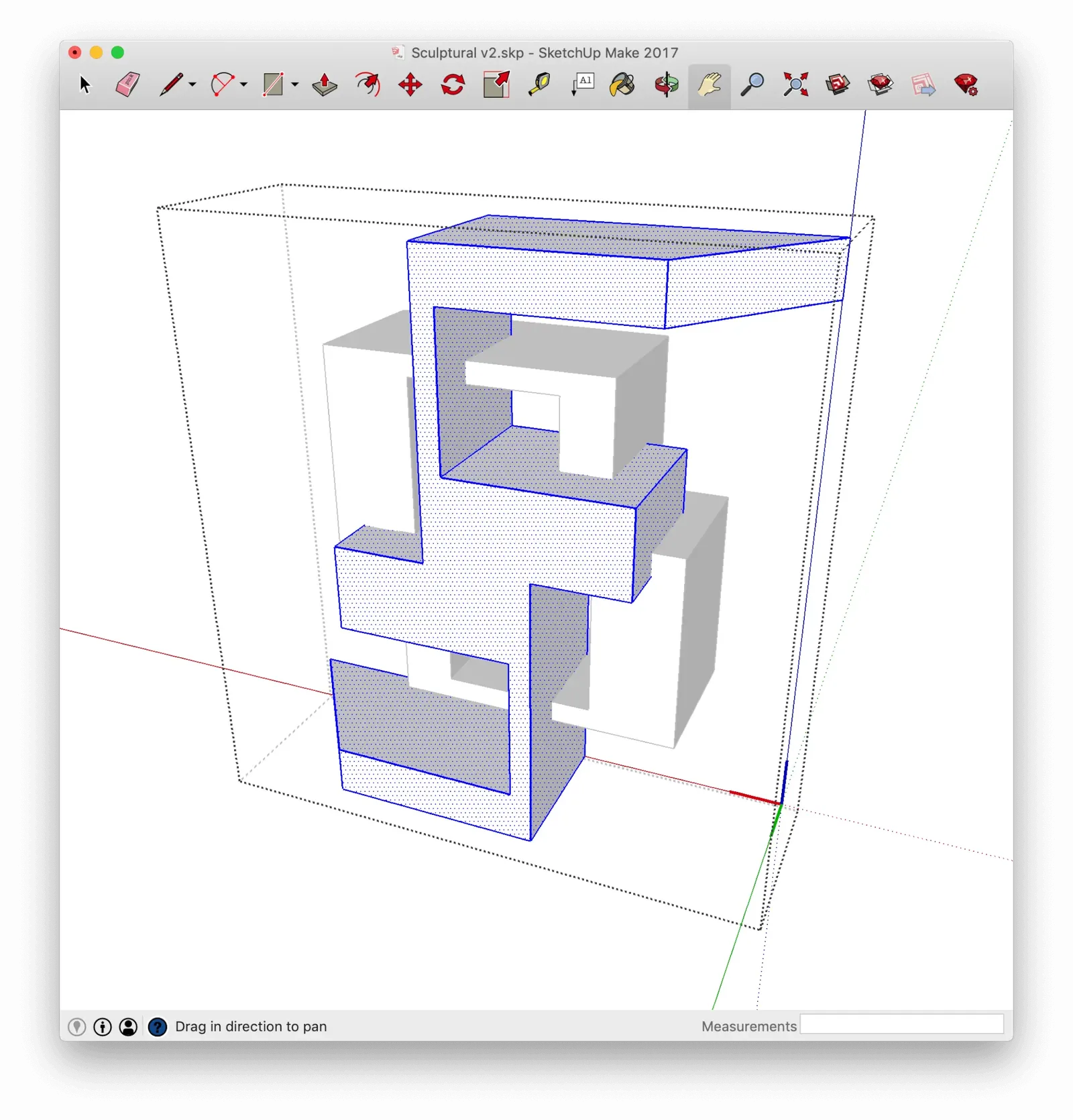
After sketching several designs around the objectives of intersecting volumes and interesting footprint, I built the sculptures in Sketchup — using its components feature to maintain symmetry throughout the model.
Prototyping
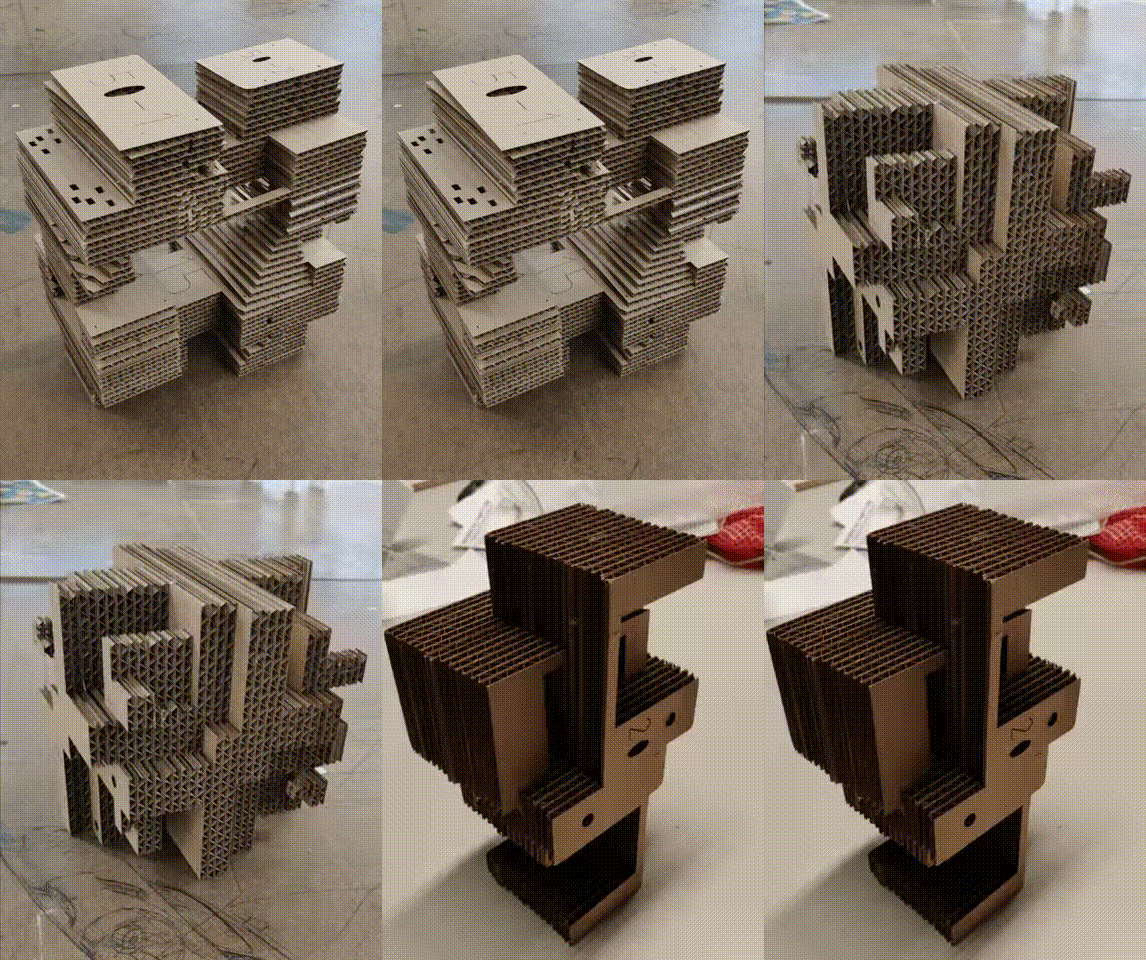
3D files were exported from Sketchup to Slicer — a program that imports 3D models and slices them into layers for laser cutting. Using Corel, I configured the sheet file for the laser cutter, specifying sheet size and material thickness.
Slicer software — generating laser cut sheets from 3D geometry
Physical Exploration
Slicer displays a sequential assembly tutorial on-screen for the numbered parts. After my first prototype I added two dowels on diagonal corners to prevent assembly slippage. The result — lots of hot glue later — earned a go-ahead from my professor to attempt the project in Virtual Reality.
Diving into Unity
I exported the Sketchup model as an OBJ file into a Unity scene with Steam's teleportation system pre-configured. Using Unity's brush tool, I sculpted mountains and valleys by editing the heightmap, then applied free online textures for grass and water effects to solids within the model.
Unity VR environment — model import, terrain sculpting, material application
Takeaways
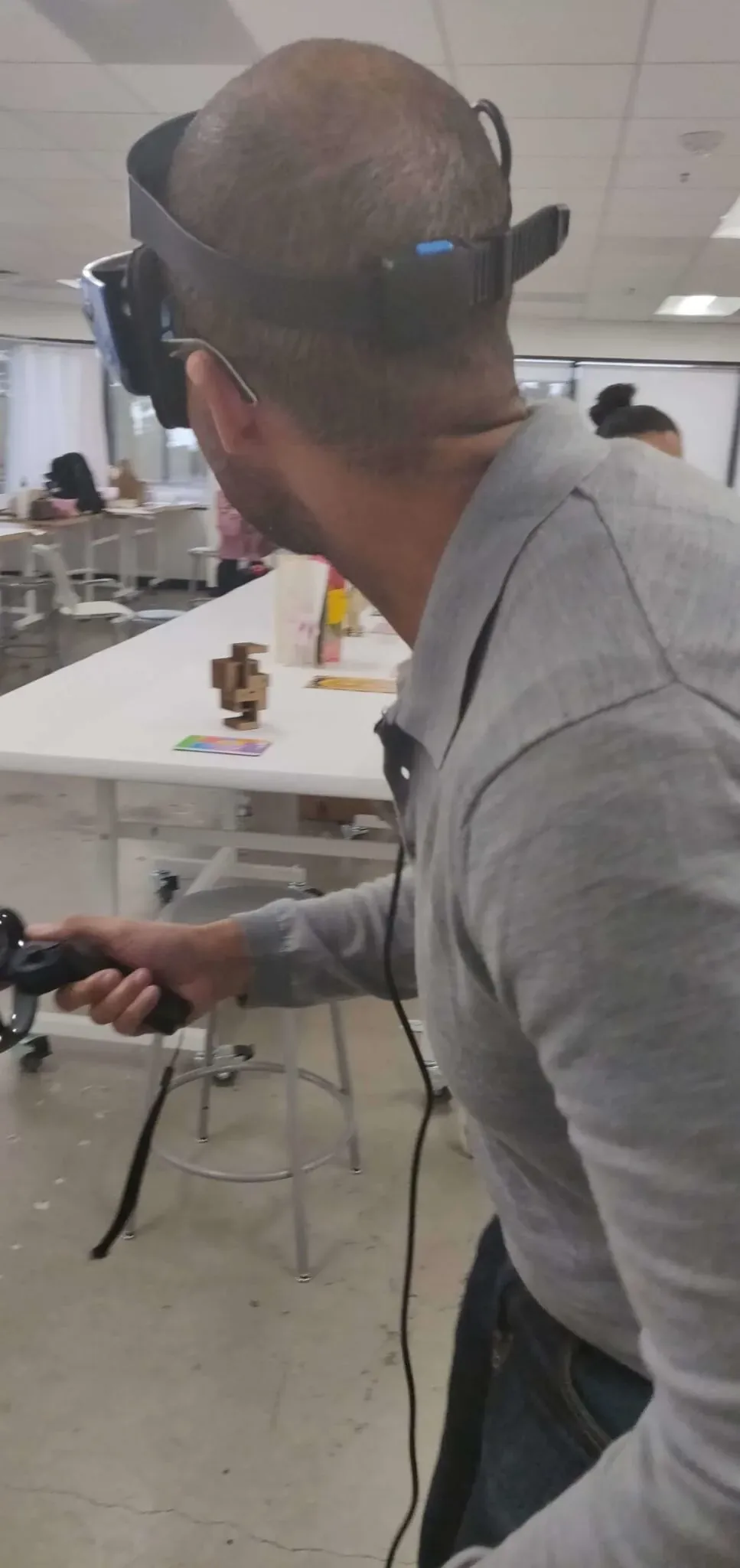
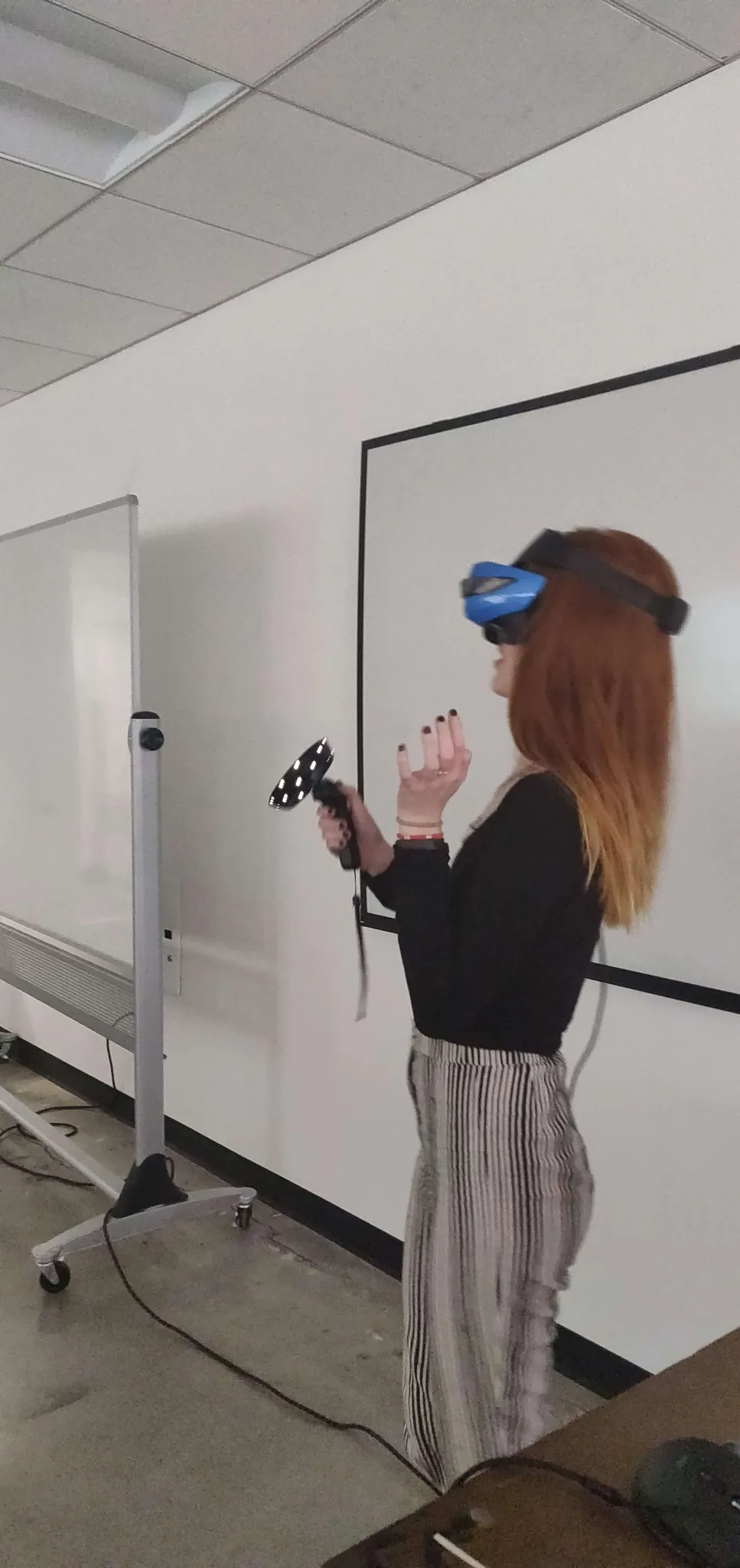
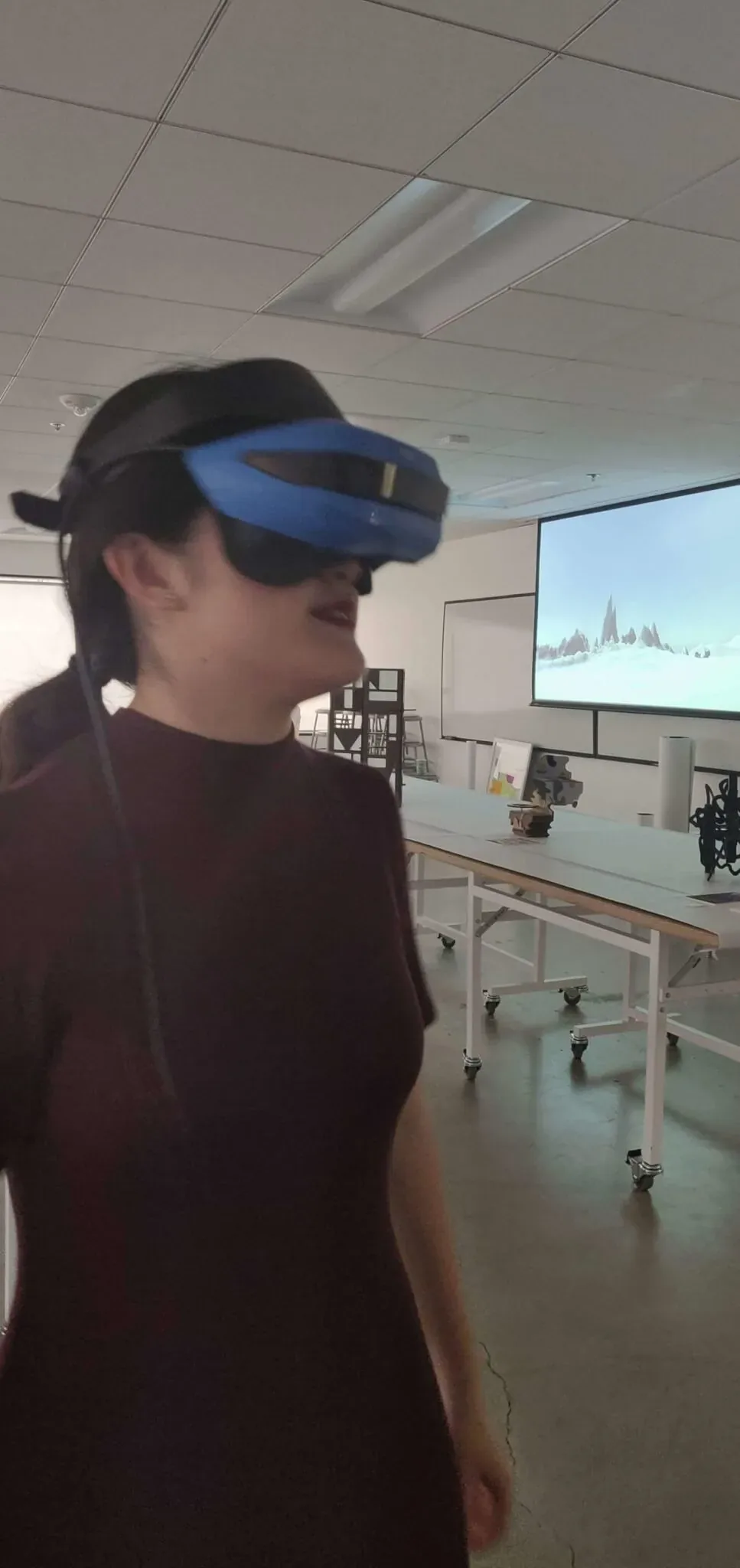
The magic moment came from watching people explore the inside of the virtual space. A first-time VR user crouched on the ground to look up into the virtual water. Another danced to see what the environment would do. I realized I wanted to create experiences that amplified the exploration aspect of VR — not just navigation, but discovery.